What to Use to Clean a TV Screen
By Mess Fixers
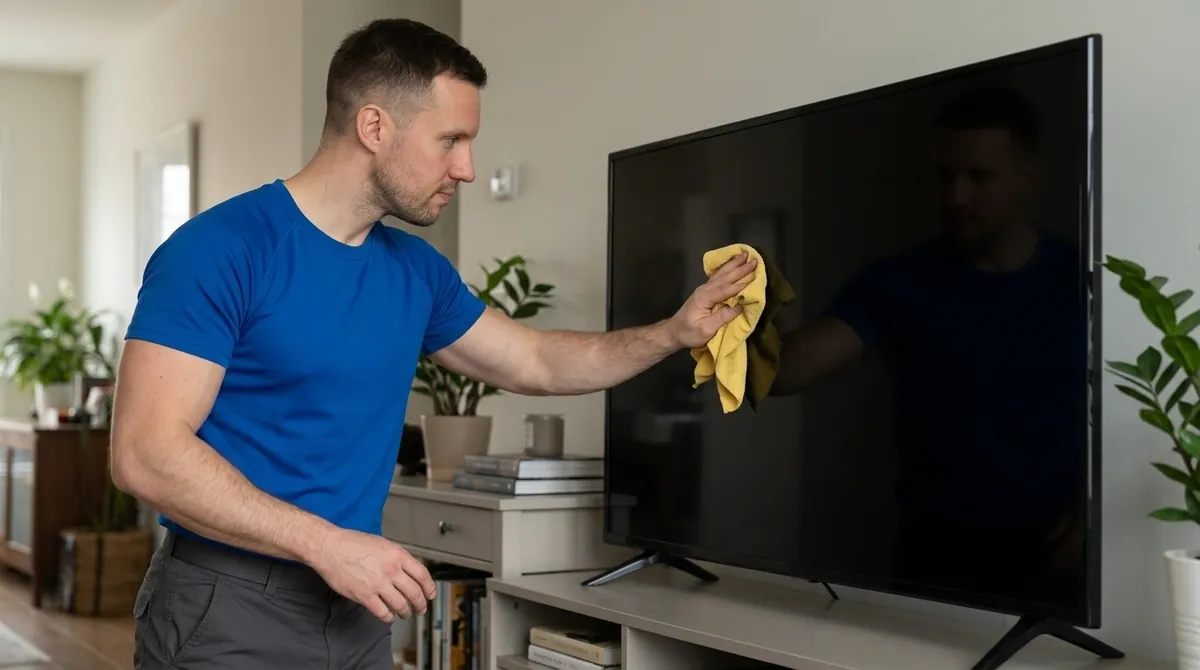
Use a clean, dry microfiber cloth to clean a TV screen first. For a mark that remains, check your exact TV's care instructions before adding moisture. Samsung's US guidance permits distilled water on the cloth after the dry pass; LG permits a water-dampened cloth corner for stubborn smudges. Neither instruction gives permission to spray the panel or use a household glass cleaner.
Check Permission for Your Exact TV
Look up the model in your purchase records, the TV's information menu, or an accessible label. Do not lift, unmount, or pull a large television forward just to read the back. If you cannot find the model without moving it, use your records or ask the manufacturer for help.
Use the care instructions for that model and market. A monitor, phone, or tablet cleaning page is not a TV-panel instruction. CDC's household electronics guidance also directs readers to follow manufacturer cleaning recommendations.
Samsung publishes a separate cleaning procedure for The Frame and Serif displays. It includes a melamine-foam step that is absent from its general TV-cleaning sequence. Do not borrow that step for an unidentified panel. Confirm the applicable model instructions before using a sponge or any tool beyond the permitted cloth.
Compare the Manufacturer Instructions
- Samsung US: Turn off and cool the TV, unplug it, then wipe with microfiber. If that does not work, apply distilled water to the cloth. Samsung warns against window cleaner, soap, scouring powder, wax, solvent cleaners, abrasive pads, and paper towels.
- LG USA: Unplug and let the screen cool. Wipe with dry microfiber in one direction. For a stubborn smudge, dampen a cloth corner with water, wipe the area, and use a dry part of the cloth to remove moisture. LG warns against alcohol, acetone, glass cleaner, wet wipes, and firm pressure.
- TCL: Power off and unplug, then wipe with dry microfiber. Its general screen-care instructions suggest light circular motions for tougher spots and warn against alcohol, ammonia, and window cleaners. They do not specify a liquid for the screen; check your model's instructions before using one.
These brand examples do not replace your model manual. Follow the applicable maker's wiping direction and liquid permission instead of combining steps from several brands. If the manual and a support page disagree, ask the manufacturer to resolve the conflict before using liquid.
Work Through a Dry-First Cleaning Pass
- Prepare safe access. Work with the TV stable on its stand or mount and the screen within easy reach. Keep drinks and unrelated cleaners away. If you would need to lean on the panel, climb on furniture, or move the set, stop and arrange safe access.
- Power down as instructed. Turn the TV off, let it cool, and unplug it using the sequence in its manual. There is no cooling interval in this guide that overrides your model's instructions.
- Use a clean cloth. Choose soft microfiber and check that its cleaning surface is free of dirt. Keep a clean, dry section available if an approved damp pass will be needed.
- Remove loose dust. Wipe with a light touch and the direction your maker recommends. Do not press into a mark with fingers or palms. Samsung and LG warn that pressure can damage the screen.
- Decide whether to stop. If the dry pass has done the job, finish there. If a mark remains, proceed only with the liquid and method your exact model permits. If permission is unclear, ask the maker instead of testing a household cleaner.
- Finish dry. For an approved water pass, dampen the cloth as directed, not the television. Keep liquid from dripping toward openings. Follow the maker's drying instructions; Samsung says to let the TV dry completely before plugging it back in.
Keep the cloth-only method separate from other maintenance. A manufacturer's vent-cleaning instruction does not authorize spraying or blowing into the screen edge, and instructions for the back panel do not automatically apply to the display.
Leave Household Cleaners and Scratch Treatments Out
Samsung and LG name products that can damage the screen or coating, and TCL gives its own coating warning. Follow those exclusions even if a bottle is suitable for an ordinary window or mirror. Do not add dish soap, vinegar, alcohol, a disinfecting wipe, or an unlabeled screen spray to this method without exact model permission.
LG also rejects toothpaste and polish as screen-scratch treatments because their abrasives can cause further damage. A cleaning cloth will not repair a scratch or peeling finish. Do not try to polish a persistent mark away.
Stop Instead of Diagnosing the Display
- A mark resists the permitted method: Stop rubbing and ask the manufacturer what to do next. More pressure or a stronger cleaner is not an approved next step.
- The surface appears scratched, peeling, or otherwise damaged: Stop and request assessment. Do not identify the cause from the shape or color of the mark.
- Liquid reaches the bezel, openings, or an area behind the panel: Stop. Keep the TV off and seek manufacturer guidance before reconnecting power or using it. No fixed drying period proves that internal parts are safe.
- Lines, spots, or other marks appear within the picture: Ask support to assess the display rather than repeatedly wiping the surface or opening the case.
Separate Screen Dusting From Whole-Room Cleaning
Mess Fixers' Standard Clean checklist includes dry static dusting of TVs and monitors under Delicate Screen Care, with a strict no-liquid policy. That service scope is narrower than an owner following a manufacturer's conditional damp-cleaning instructions.
Deep Clean provides its listed detailed room care, including baseboards, accessible floors, and open surfaces. It does not make every cleaning product appropriate for electronics. Confirm the booked checklist, identify the TV as a sensitive or do-not-touch item when needed, and do not assume that a room clean includes liquid screen treatment, unmounting, or display repair.